BYD Sealion 7 Software Updates and Owner-Account Handover
Before accepting a Sealion 7, demonstrate the software and keys the buyer will actually use. A functioning screen is not proof of account transfer, future updates or connected services in another region. Treat those items as separate acceptance checks for the original-market vehicle.
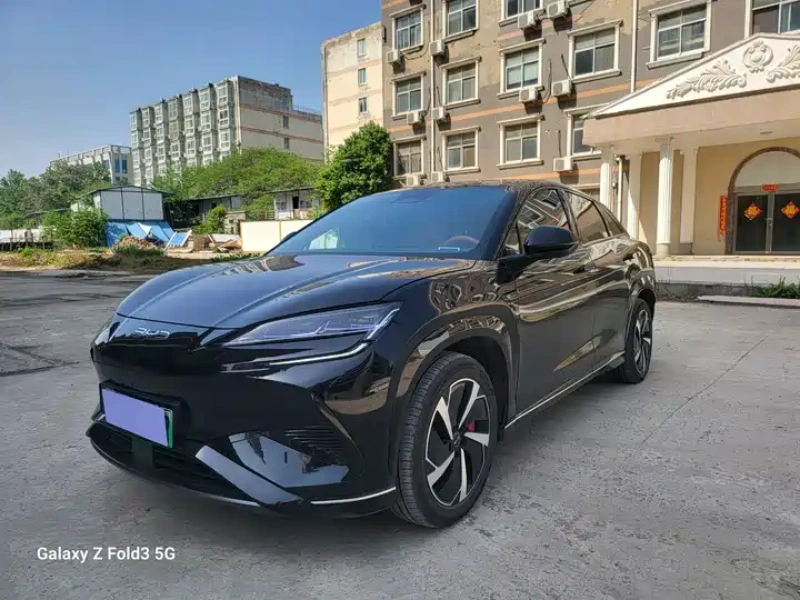
Record the installed software without promising upgrades
Capture the installed version through permitted menus and note any known updates or replacement modules. Ask the applicable manufacturer support channel about the recognised update process for that vehicle. Do not promise a future feature because it appears on a newer or different-market car.
Separate offline controls from online services
Try language, climate, charging controls and required parking displays in the actual unit. Check online navigation, remote control and connected services separately, including regional eligibility. A successful basic function test does not establish a continuing mobile service subscription or access after import.
Related checks: Sealion 07 EV vs Sealion 7: China Name and Version Checks.
Complete legitimate account and key handover
Confirm authorised release from any previous owner account through the supported process. Count and test the supplied physical keys and any permitted digital access. Never rely on the seller retaining an account indefinitely. Do not request a password workaround or unsupported bypass to make a delivery appear complete.
Agree what happens if a function cannot transfer
List essential functions and known limitations in the order. Assign responsibility for resolving an account or software problem before acceptance, with a realistic route to support. If a regional service is unavailable, the buyer should know that before payment rather than receive a vague promise of a later fix.
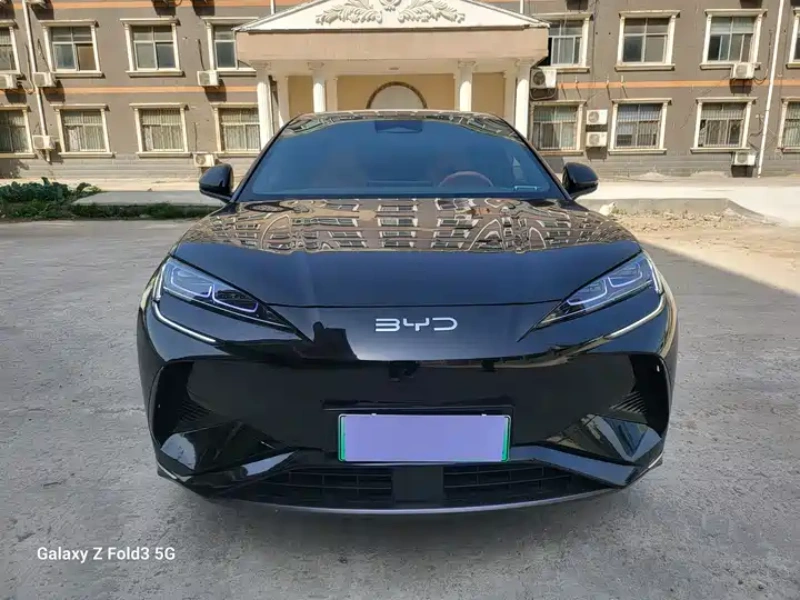
Test charging without assuming remote scheduling
Demonstrate the supported local charging controls and a compatible session. If an app schedule or remote feature is important, test that function separately under authorised conditions. A basic overnight charging plan should not depend on a regional connected service that has not been established for the destination.
What to request before ordering
- Installed software and recognised support route.
- Demonstrated offline controls and separate online eligibility.
- Legitimate previous-account release and tested keys.
- Written essential functions and unresolved limitations.
Questions buyers ask
Does a software update guarantee new overseas features?
No. Market, hardware and supported services may differ.
Can the seller keep their account for the buyer?
Do not treat that as a completed ownership handover. Establish legitimate buyer access through the supported process.